Mobile Brain Games blog
Card-Matching Games for Kids and Families
Learn the rules of picture-pair matching, ways to play together, and what to check before installing Memory Match on Android.
A card-matching game asks players to turn over two picture cards and find a pair. A matching pair remains visible; different cards turn over again. The rule is simple enough to explain while playing together, though the right board size and pace depend on the player.
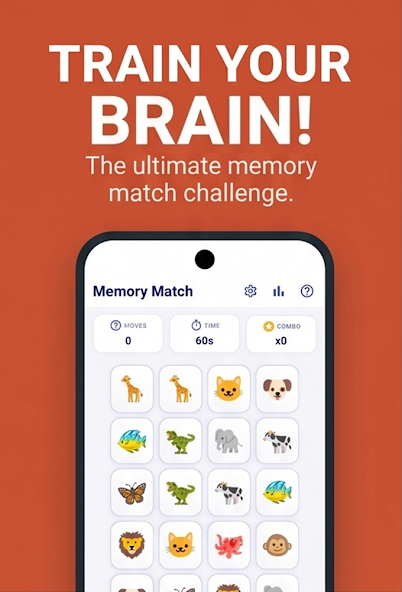
How can we start a round?
Start with a small board. Turn over one card, name its picture, and then turn over a second. If the pictures differ, say where each one was before they turn back. On the next turn, use the remembered position to look for a pair. The game can be played as a conversation rather than a race against the clock.
Three ways to play together
- Take turns choosing cards. Let each person explain why they picked a position.
- Name the pictures. A word such as “fox” or “tree” can make a pair easier to discuss.
- Change the difficulty. If the board feels crowded, choose an easier level before starting again.
Which Android game can we try?
Simple Memory Game, called Memory Match: Brain Games on Android, includes several difficulty levels, card themes, offline play, a play calendar, and personal stats. You can also play the browser version to try the matching format first.
What should parents check?
The free Android version includes ads and offers an optional Pro upgrade. Families can choose a comfortable difficulty and supervise play as appropriate. This is a game for enjoyment, not a test of a child’s memory.
For a different visual challenge, read Pattern Memory Games: How They Work + 5 Challenges to Try. The family guide compares the matching game with maths, pattern, and collection apps.